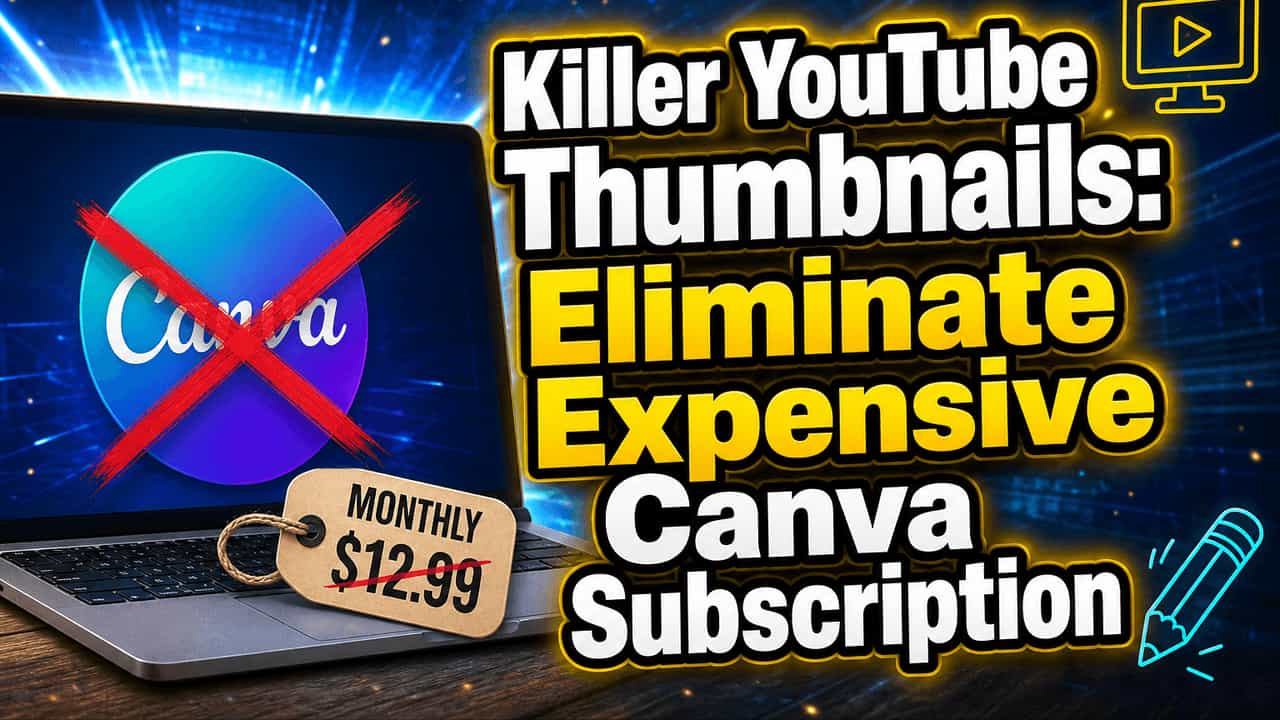
You opened your last card statement, and there it was again. That quiet little charge for a design tool you forgot you were still paying for.
On its own it feels harmless. Twelve or fifteen dollars a month is nothing, until you run the yearly math and realize it has been slowly draining your side hustle income for a full year.
Here is the part almost nobody tells beginners. You do not need a monthly subscription to make scroll stopping YouTube thumbnails. The tool that proves it, Thumbium, works in a way that may quietly change how you think about paying for creative software at all.
Quick note: this post contains an affiliate link. If you buy through it I may earn a small commission at no extra cost to you, and I only point you toward tools I would actually use myself.
Your thumbnail is the real side hustle
Before we touch the tool, one thing has to land. On YouTube, your thumbnail is the storefront. Nobody reads your title or watches a second of your video until the thumbnail earns the click.
For a beginner trying to turn a channel into income, this is the whole game. A better thumbnail means a higher click through rate, more views on the exact same upload, and more of everything that actually pays you: watch time, subscribers, and ad or affiliate revenue. You are not buying a design tool. You are buying clicks.
Picture the same video with two different thumbnails. The weak one pulls a two percent click rate and a couple hundred views. The strong one pulls closer to eight or nine percent and thousands. Same footage, same title, different picture. That gap is the whole reason thumbnails are worth getting right, and worth not overpaying for.

The unexpected part: it is not another subscription
Most people expect every AI tool to follow the same script. Sign up, hand over a card, get charged every month whether you use it or not. That is the Canva model, and it is the one your brain assumes is the only option.
Thumbium breaks that pattern, and this is the unexpected result worth slowing down for. You pay one time and the app is yours to keep. No recurring bill, no renewal, no seat you forgot to cancel.
Each package hands you a set batch of thumbnails a month that refreshes on its own, so you keep creating without ever being billed again. The image generation itself runs on your own OpenAI key, which means the tiny per image cost goes straight to OpenAI, not into a subscription. That shift, from renting forever to owning once, is the change in approach this whole post is really about.
What an OpenAI key is, and why it is not scary
The phrase OpenAI API key is where a lot of beginners freeze. It sounds like something only a developer touches. It is not.
Think of it as a password that lets Thumbium borrow OpenAI’s image engine on your behalf. You make a free OpenAI account, add a little credit, copy your key, and paste it into your Thumbium profile one time. Setup takes about two minutes and you never touch it again.
From then on, each thumbnail draws a few cents from that credit. You stay in full control of the spend, which is the exact opposite of how a subscription treats you.
How Thumbium actually works
The workflow is built for people who are not designers, which is most of us when we are starting out. There is no blank canvas staring back at you.
- Name your project and pick your format, YouTube widescreen or vertical Shorts.
- Describe the thumbnail in plain English, then add your overlay text and pick a look like Clickbait, Clean, or Reaction.
- Choose your quality and how many versions you want, up to four, then hit generate.
- Grab your favorites from the gallery and upload them straight to YouTube.
There is no dragging layers, no font hunting, no learning curve. A task that used to eat thirty minutes now takes a couple of minutes. One quick tip: name the emotion and the main object in your prompt. Shocked face, giant red arrow, one bold word. Specific prompts beat vague ones every time.
Put your own face in every thumbnail
Here is the feature that surprises people most. Upload one selfie and Thumbium can drop you into any scene, old background cleared away, blended so the whole thing looks like a single real photo. No green screen, no Photoshop, no cutting yourself out by hand.
You can feed it a subject, a product, and a background photo, all optional, and let the AI build the scene around your real images. For reviews and unboxings that puts the actual product on screen. For your channel it means viewers start to recognize your face, which is how a beginner builds a following.
Made it and want a change? Just type the edit. Ask for a night sky, a different shirt, a bigger grin, and the AI redoes that part while keeping everything else exactly where it was.
The honest math against Canva
Now the numbers, because this is where it clicks. A design subscription can run well over a hundred dollars a year, every year, with nothing to keep the moment you stop paying.
Thumbium is a one time payment, and there is a launch discount running as this goes out, with entry packages priced around a couple of months of Canva. On top of that you pay OpenAI directly for each image, roughly four cents on medium quality and sixteen on high. That is the whole cost.
Own once, pay pennies per use. For a beginner publishing a handful of videos a month, the yearly total lands far below what a subscription quietly takes. You can check the current deal here and run it against your own channel.
Where it surprises you, and where it will not
Unexpected results cut both ways, and you deserve both sides. The pleasant surprise is how good a plain typed sentence can look, often cleaner than anything you made by hand. That is usually the moment the old approach gets dropped for good.
The fair warning is that AI is not a mind reader. Your first prompt may miss, and text inside AI images can come out imperfect, so you will sometimes regenerate or reword. Treat it as a fast creative partner, not a vending machine, and you will be happy with it.
Two practical notes. Your images sit in the gallery for about 30 days, so download the ones you love right away. And there is a 14 day money back guarantee, so trying it out costs you nothing if it misses the mark.
So, should you cancel Canva?
If your side hustle is a YouTube channel and thumbnails are a monthly chore you dread and pay for, the answer leans strongly toward yes. You get speed, up to four options a shot, your own face in the scene, one time pricing, and a per image cost measured in cents. This is for the beginner who wants clicks, not a design hobby.
You can see Thumbium here and decide for yourself whether that monthly charge survives the week.
The subscription was never the only way. It was just the default nobody around you thought to question. Sometimes the unexpected option is the one that finally makes the whole thing simple.